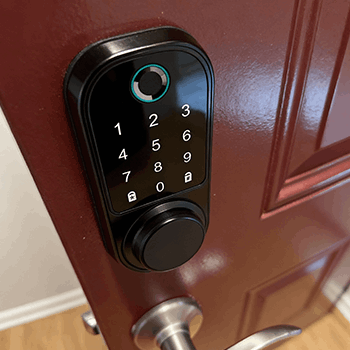
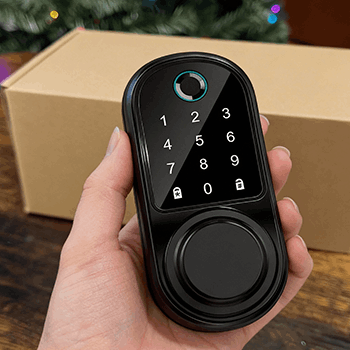
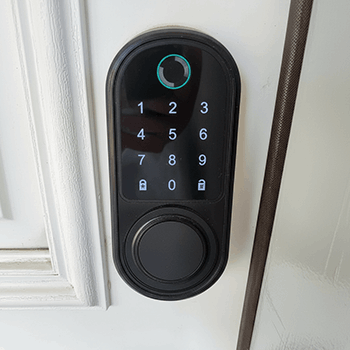
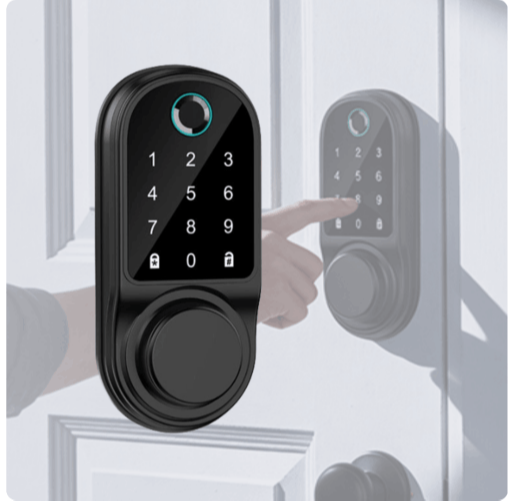
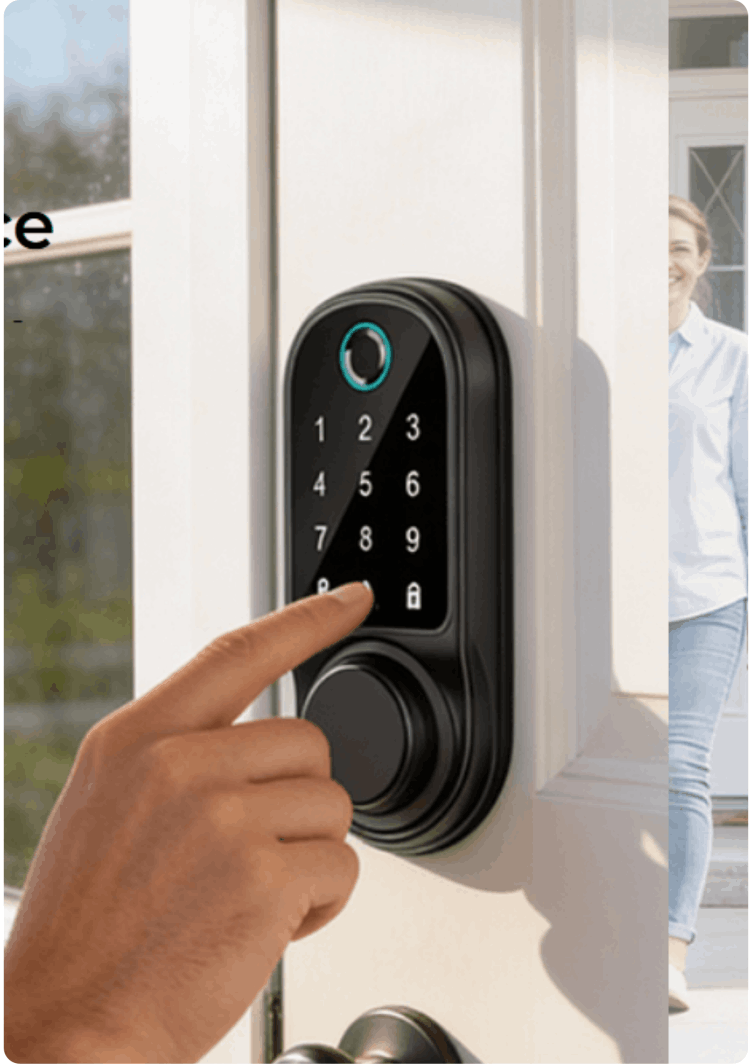
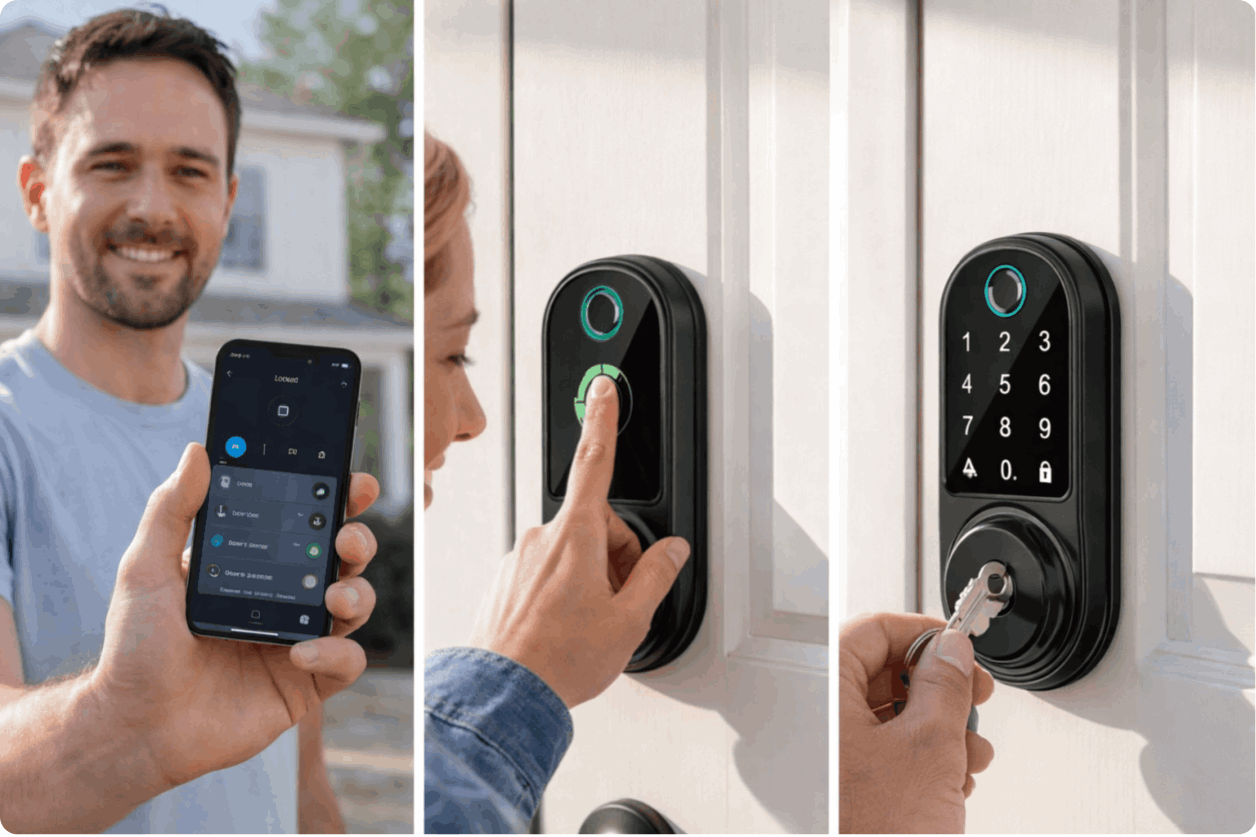
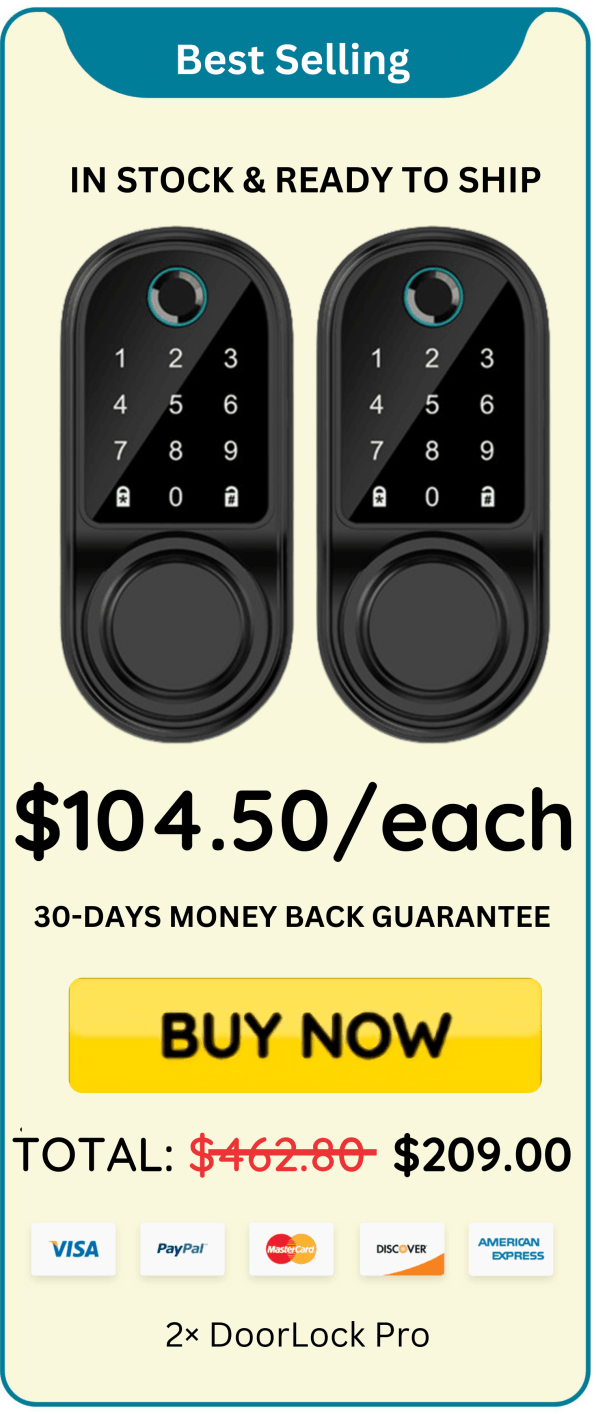
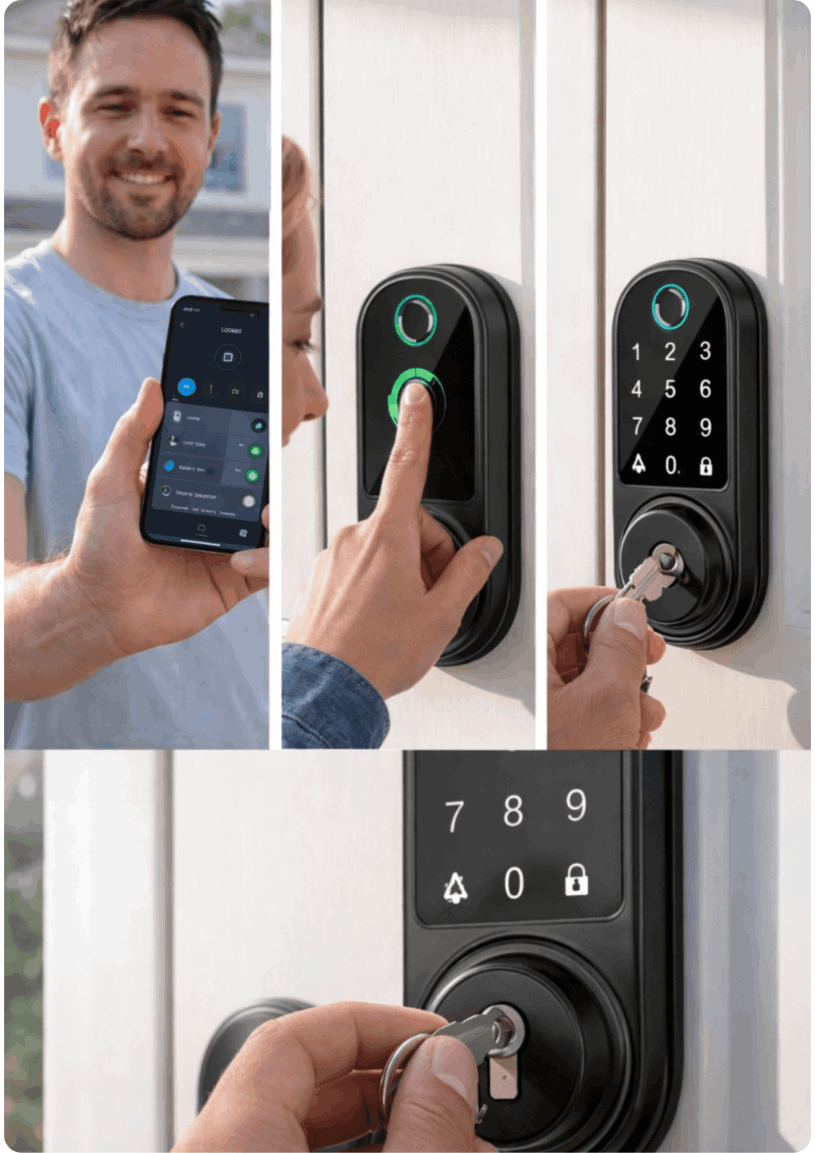
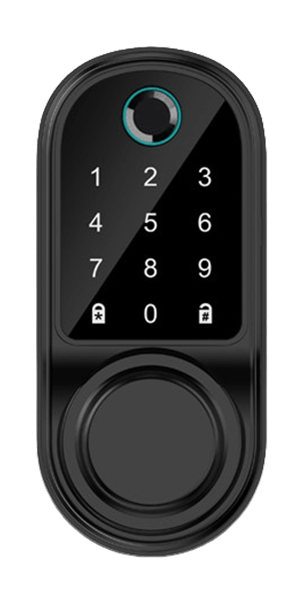
DoorLock Pro is a modern smart deadbolt designed to replace standard door locks with advanced keyless technology. It supports fingerprint unlocking, passcode entry, IC cards, and physical key backup for reliable access control. The lock connects through the Tuya Smart app using Bluetooth, allowing code management and activity tracking directly from a smartphone. Built with a minimalist design, it fits most doors between 35 mm and 55 mm in thickness.
based on 23,836 reviews!
"DoorLock Pro solved our "missing keys" problem instantly. The keypad is responsive and it's so much easier when my hands are full. I love the auto-lock feature because I don't have to double- check the door anymore. The design looks clean and modern, and installation was straightforward for our standard deadbolt setup.”
Lisa S.
“I bought this for our rental property and it's been great. Guests don't need a key exchange, and I don't worry about copies being made. The one-touch lock is super convenient, and the backup key option is reassuring. It feels solid and has been reliable with daily use so far.”
“I didn't realize how annoying keys were until switching to DoorLock Pro. Now it's just code, open, done. The keypad is easy to use at night and the lock looks
premium on the door. Auto-lock gives me peace of mind—especially when I'm
rushing out in the morning.”
DoorLock Pro is a keyless touchscreen deadbolt designed as a modern replacement for traditional residential deadbolt locks. Instead of relying solely on a physical key, the device integrates several digital access technologies into a single unit that is intended to fit most standard door preparations used in homes and apartments. By combining multiple unlocking methods with smartphone connectivity, the product aims to simplify everyday entry while maintaining a familiar deadbolt-style security mechanism.
The lock’s exterior features a touchscreen keypad that allows users to enter a numeric passcode to unlock the door. Touchscreen keypads have become increasingly common in residential smart locks because they eliminate the need for mechanical buttons while allowing the keypad to remain hidden until touched. In addition to the keypad, DoorLock Pro includes a built-in fingerprint scanner designed to allow authorized users to unlock the door with a quick biometric scan. Fingerprint access is typically one of the fastest entry methods available on modern smart locks because it does not require remembering or typing a code.
Several convenience and security features are also listed as part of the device’s functionality. One of these is auto-lock, which automatically locks the door after a specified amount of time. This feature is designed to reduce the chance of accidentally leaving the door unlocked after entering or exiting the home. Another listed feature is anti-peep code entry. Anti-peep systems allow users to enter additional digits before or after their real passcode so that someone observing the keypad cannot easily determine the correct code. For example, a user could type a random sequence that includes the correct code somewhere within it, and the lock will still recognize the valid portion.
Although the lock is primarily designed for keyless operation, the device still includes a traditional physical key override. This backup option is commonly included in many electronic locks to provide a fail-safe method of entry in situations such as battery depletion, electronic malfunction, or user preference for a manual key. In practice, this means homeowners can still access their property even if the digital functions are temporarily unavailable.
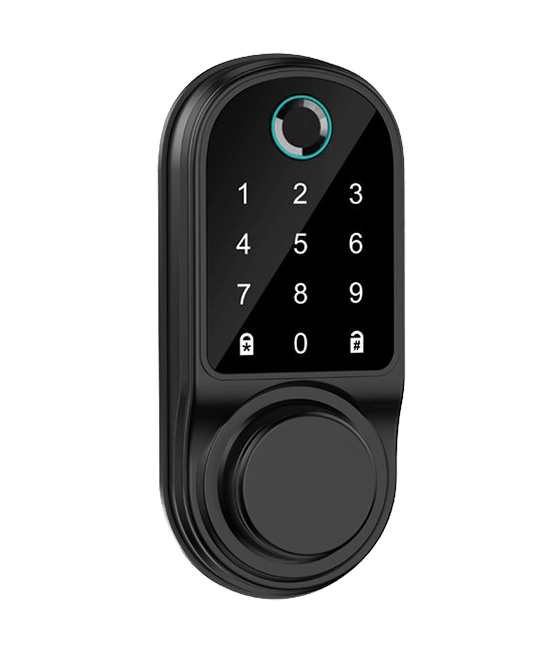
DoorLock Pro operates by combining several access technologies into a single smart locking system designed to replace a traditional deadbolt. Instead of relying on just one method of entry, the lock integrates biometric recognition, digital passcodes, smartphone connectivity, and a mechanical backup key. This multi-layered approach provides users with flexibility while maintaining a familiar deadbolt-style locking mechanism.
One of the primary features of the system is its built-in fingerprint sensor. The sensor scans and verifies registered fingerprints to determine whether the user is authorized to unlock the door. According to the product description, the fingerprint recognition process typically takes less than one second. Once a stored fingerprint is detected and verified, the lock disengages the deadbolt, allowing the door to open without the need for a physical key or passcode. This biometric access method is designed to provide quick and convenient entry for household members who use the lock frequently.
In addition to fingerprint recognition, DoorLock Pro includes a touchscreen keypad that allows users to unlock the door using a numeric passcode. Touchscreen keypads are commonly used in smart locks because they eliminate moving parts while keeping the surface sleek and easy to clean. The keypad lights up when touched, enabling users to enter their code even in low-light conditions.
A privacy feature called anti-peep code entry is also included with the keypad system. This feature allows users to enter additional random digits before or after the actual passcode. For example, if the real code is 2580, a user could enter something like 743258091 and the lock would still recognize the correct sequence embedded within the string of numbers. This functionality helps protect the real code from being observed by someone nearby who might be watching the keypad during entry.
DoorLock Pro also connects to the Tuya Smart mobile application, which allows users to manage the lock through their smartphone via Bluetooth. Through the app, homeowners can create and assign temporary or permanent passcodes for other users. This can be useful for granting access to guests, family members, service workers, or short-term visitors without needing to provide a physical key.
Here are some Key Features Of DoorLock Pro:
Step 1: Install the Lock
Replace your existing deadbolt with DoorLock Pro by following the installation instructions, ensuring the lock fits securely into standard door preparations.
Step 2: Connect to the App
Download the Tuya Smart app, enable Bluetooth, and pair DoorLock Pro with your smartphone to manage settings and access controls.
Step 3: Register Access Methods
Add authorized fingerprints, create secure passcodes, and set up guest codes through the app for convenient and controlled access.
Step 4: Enable Security Features
Activate auto-lock timing and use anti-peep passcode entry to improve privacy, security, and everyday convenience when unlocking your door.
We believe that DoorLock Pro will make everyday home access simpler, safer, and more convenient. That’s why every purchase is backed by our 30-day money back guarantee. Once you receive your DoorLock Pro, you have a full 30 days to try it in your home and experience its features, including fingerprint access, passcode entry, and smart locking convenience.
If for any reason you feel that DoorLock Pro is not the right fit for your needs, you can return the product within 30 days of delivery. The process is simple and hassle-free. Just contact customer support and follow the return instructions to send the unit back. Once the return is received and verified, your refund will be processed promptly. Your satisfaction is our priority.
DoorLock Pro is designed to replace most standard deadbolts. Suitable for door thickness between 1-3/8" and 2" (35mm to 50mm). Check your door thickness and existing deadbolt measurements for compatibility.
No, and that's one of its most notable features. The Hydro X5 is capable of drawing water from more than just a garden hose. The suction line can be lowered into a lake, sink, bucket, or even a pool. It can be used for cleaning balconies, living in apartments, and travelling without a hose.
Most customers install it using basic tools in under an hour, following the included instructions for standard doors.
All orders will be shipped within 48 hours of order confirmation. You’ll receive an email with your tracking number once your order has been shipped.
What app does the lock use?
Tuya Smart app.
Where can I download it?
Download it from the Apple App Store or Google Play Store (search: “Tuya Smart”).
Is there a QR code to download the app?
Yes - scan the Tuya Smart QR code shown on this page/manual to download instantly.
4. How do I connect the lock to the app?
Install Tuya Smart, then open the app and follow the on-screen steps to add the device.
Unlock: Fingerprint / Passcode / Key (Tuya Bluetooth app)
Remote unlock: No
Fingerprint capacity: 100
Scan speed: < 1s
Rated use: 100,000–200,000 unlocks
Door thickness: 35–55 mm (6070 lock body)
Working range: -25°C to 70°C, <70% RH
Power: DC
In the box: Exterior + interior units, latch/strike, mounting kit, 2 keys, 2 IC cards, screws
Style: Modern, minimalist